Interactive Client Flow System Demo


How does it work?

  1. A client submits an application or request through the website form;
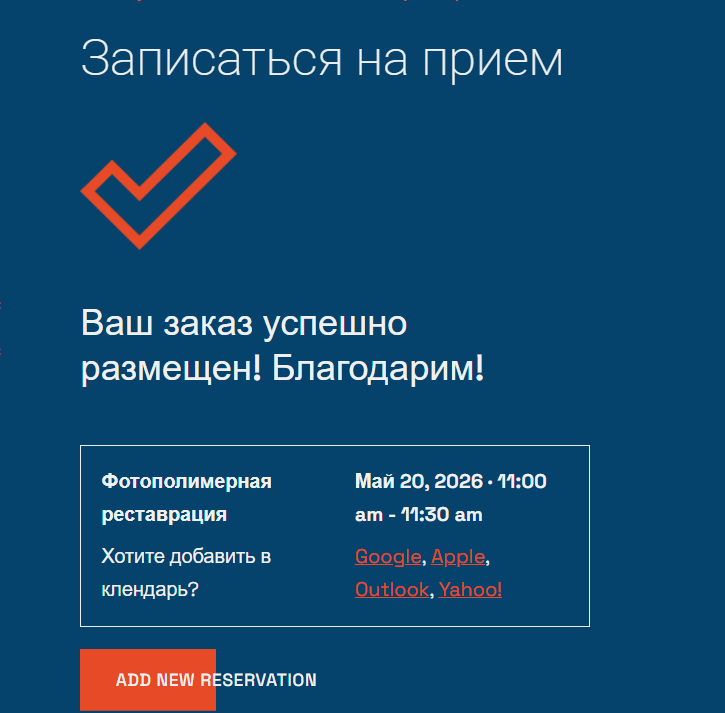
  2. The application is confirmed automatically or by an administrator;
  3. The application or request and its details are saved in Google Sheets / CRM;
  4. Client contacts from different sources are stored in one place;
  5. The application is automatically added to Google Calendar as an event;
  6. Staff receive an application notification in a Telegram channel;
  7. The multilingual Telegram chat responds to clients 24/7;
  8. Automatic document creation and completion.

Make a test booking!

⚠️ Demo mode. The data becomes publicly accessible
Enter fictitious data

Select Date & Time

Your Reservation

{service_name}
{reservation_date}, {reservation_time}

Location

{location_name}

Clients

{reservation_capacity}

Doctor

{employee_name}

Price

{reservation_price}
Your cart is empty.

Total: 0

Your Information

Required fields are followed by *.

Your Order

Payment Method

Sorry, it seems that there are no available payment methods.

Interactive Client Flow System Demo

Making a reservation...

·

About the booking form

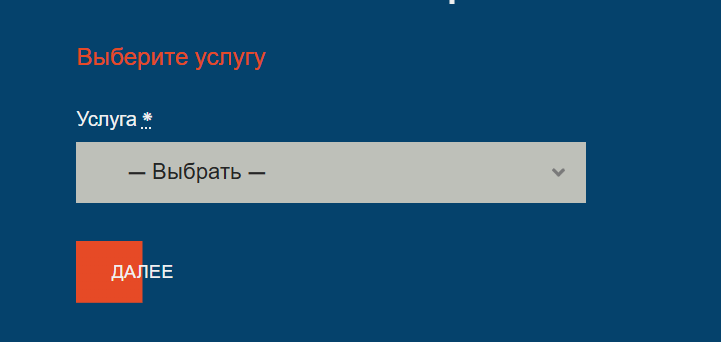
  • Category may be omitted and not displayed in the form;
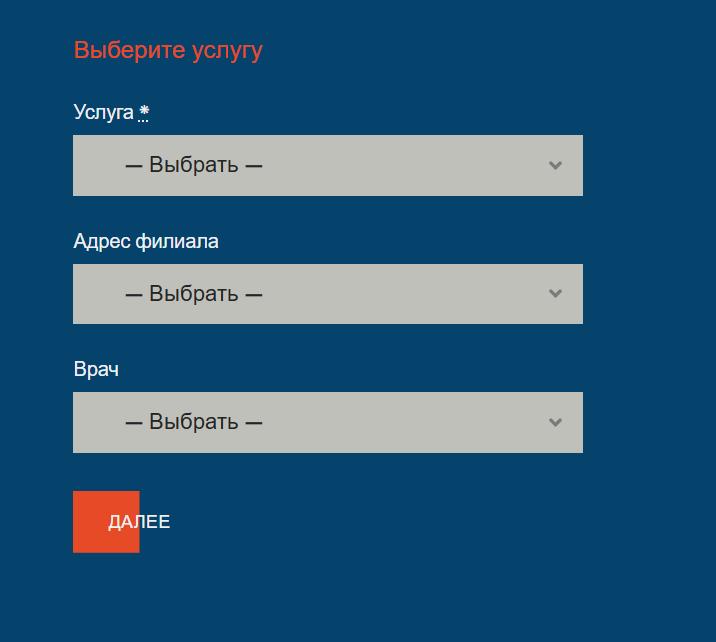
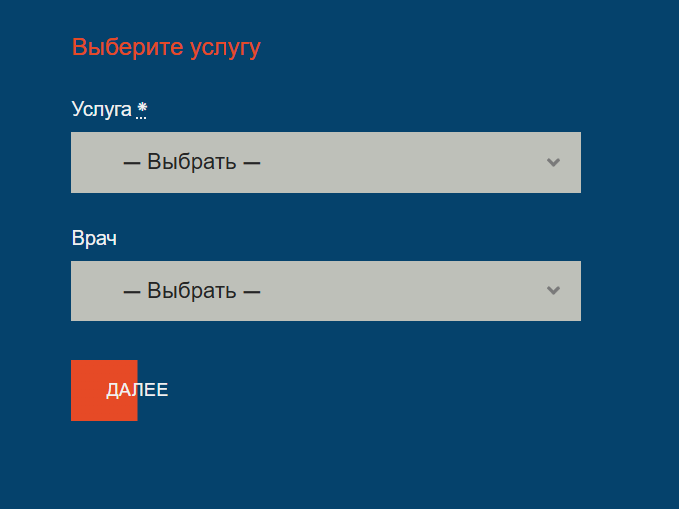
  • The branch address can be removed from the form if the business does not have multiple locations;
  • The specialist can also be hidden from the form for a solo business or hourly rental of premises, workspaces or tools;
  • Form fields and other labels can be adapted to the business format. For example, “service” can be replaced with “table” for hourly table rental at a restaurant.

The form can be flexibly configured to suit the business sector, format and scale:

Form: Appointment Booking Lite by MotoPress

Appointment Booking Lite  – free plugin

Appointment Booking Pro – paid version with advanced options

Staff notifications in Telegram

  • For a solo business, a bot displays all applications, orders, bookings and reservations in Telegram;
  • For small and medium-sized businesses, a Telegram channel is created where the bot sends all applications to the entire staff (convenient for the administrator);
  • The administrator can quickly notify staff by posting announcements in this channel;
  • For small and medium-sized businesses, the bot can be configured individually for each specialist to display only their own applications.

Telegram channel:

Make a test booking,
and you will see it in the channel.
Try it!

Telegram channel for staff

Staff can see all applications. The administrator can promptly notify all staff.
Try it!

Client notifications

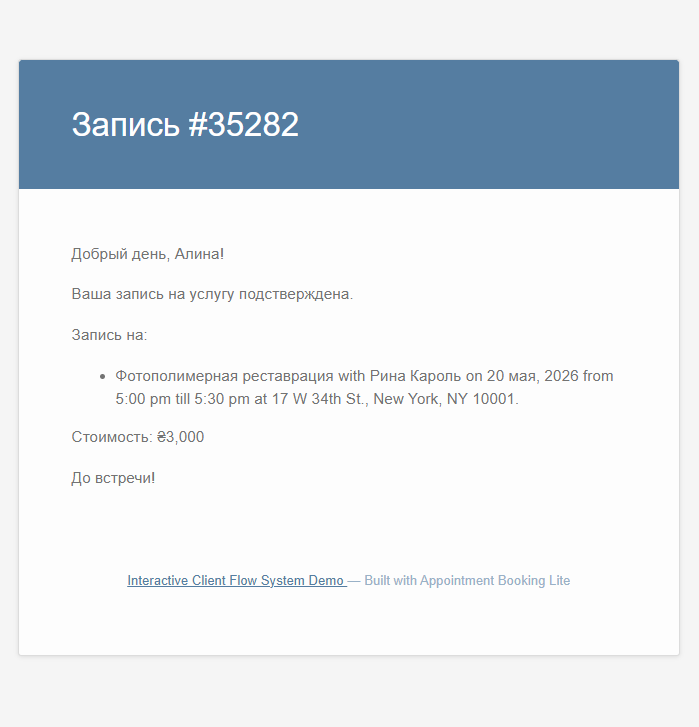
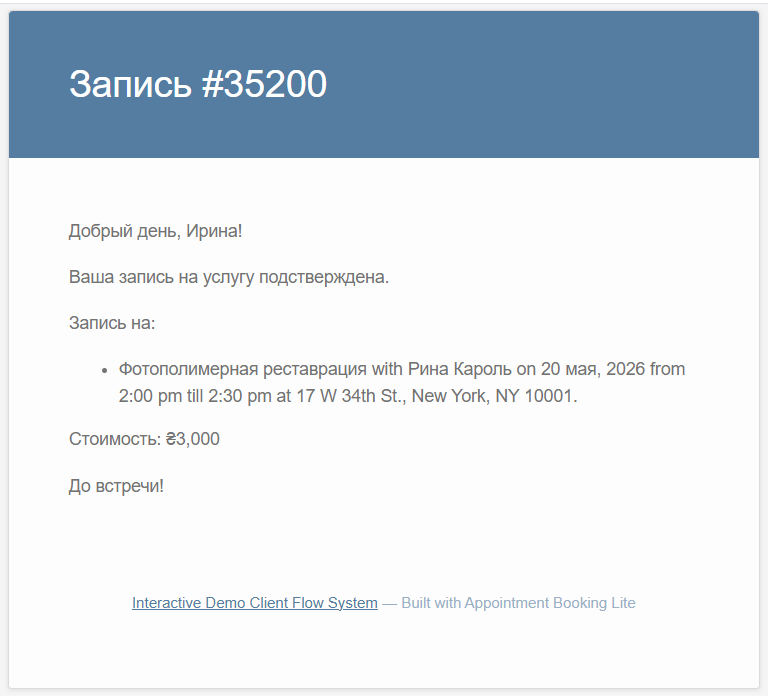
The client receives an email with the booking details, and the template can be flexibly configured;
The client can add the booking to their calendar;
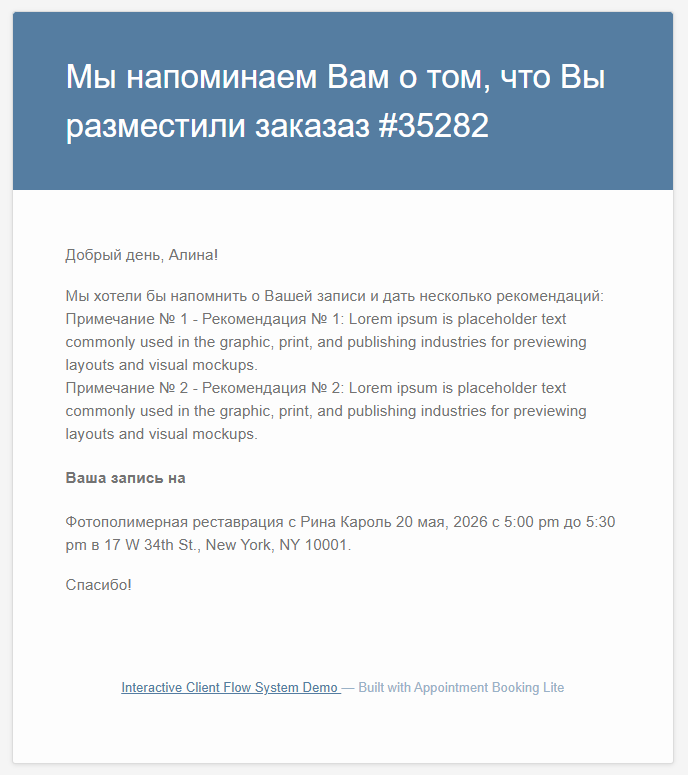
Automatic notifications can also be configured:

  • a notification with instructions before the appointment;
  • a reminder about the service appointment;
  • a request to leave a review after the appointment;
  • a reminder about a follow-up visit;
  • an unlimited number of automated template messages;

Services, rental properties,
forums and conferences

  • The multifunctional booking form lets you configure the price, duration and breaks before and after a service, appointment or rental;
  • The same property or service, such as a training session, can be booked by a group, family or team—ideal for small conferences, forums, quests and seminars;
  • The form lets you set the minimum and maximum number of participants and adjust the price based on group size;
  • The same service can be assigned to more than one specialist—if one is busy, another can take the client at that time.

Google Sheets,
Google Calendar

  • A submitted booking is automatically added to Google Sheets;
  • Sheets and columns are individually configured to suit your format and requirements. Convenient for a solo business;
  • For small and medium-sized businesses, Google Sheets is a CRM integration tool (Appointment Booking does not provide its own CRM integration);
  • All applications, with individually configurable details, are added to Google Calendar as events. 

Multilingual AI chat works 24/7
and identifies growth opportunities for your business

Contact form

Some businesses handle requests for full-day services, such as moving services. In such cases, a website contact form can be used instead of online booking. All enquiries are automatically collected, processed and transferred to the system without losing any requests.

Submit a test moving request!

⚠️ Demo mode. The data becomes publicly accessible
Enter fictitious data

    Automatic document creation and completion

    • Creating a contract from a template;
    • Creating a specification from a template;
    • Creating a packing list from a template;
    • Creating an invoice from a template;
    • Completing a CMR;
    • Completing a TIR.